
1. Click on Inventory and select Purchase Order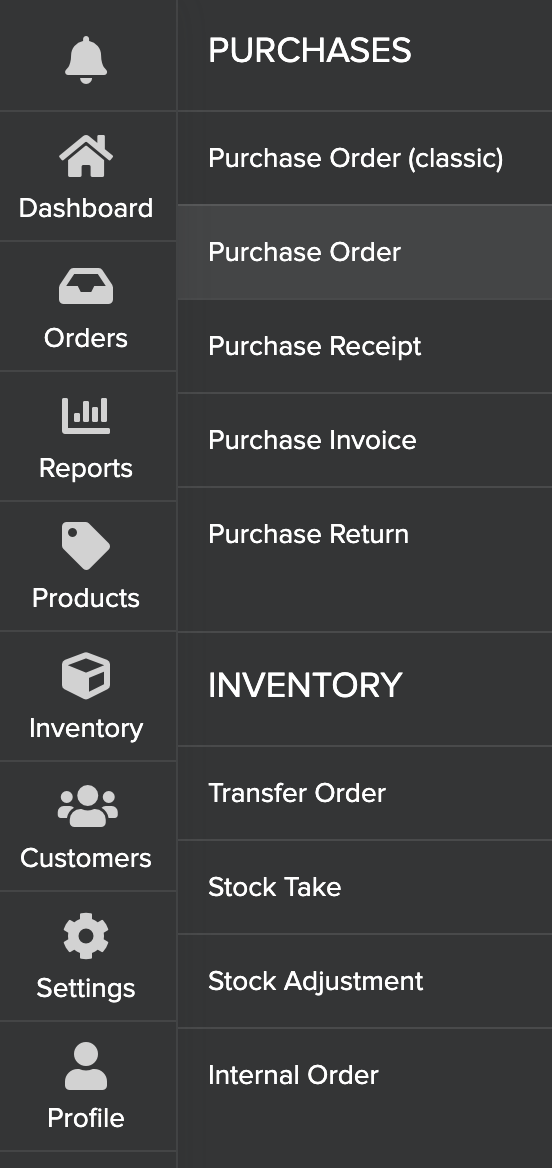
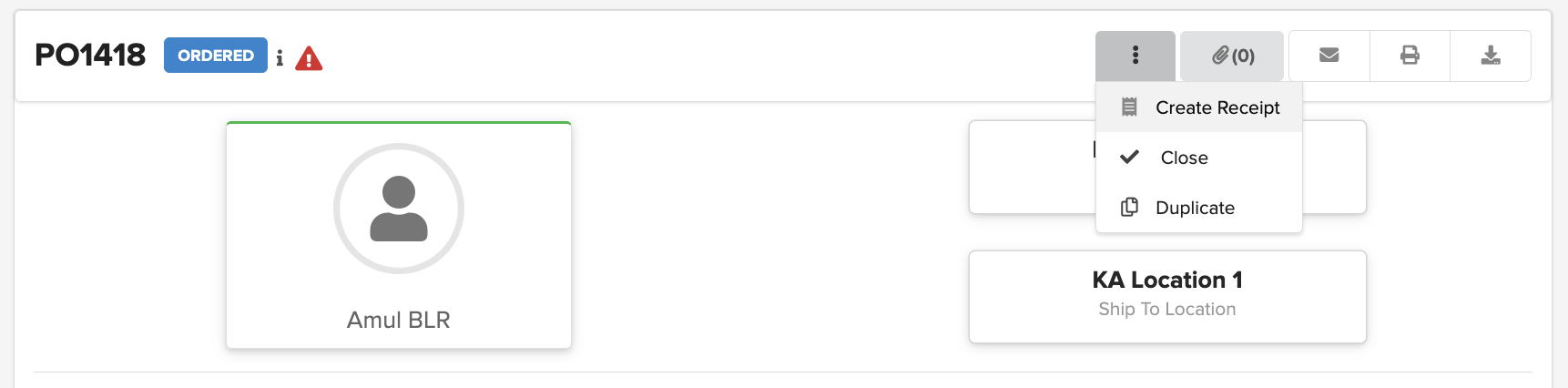
2. Select the PO that is to be received. Click on

and select Create Receipt. This will take you to the Purchase Receipt page
3. Verify the quantities received and modify if required. Update the Cost per unit, Tax, and Charge as per the invoice received from the vendor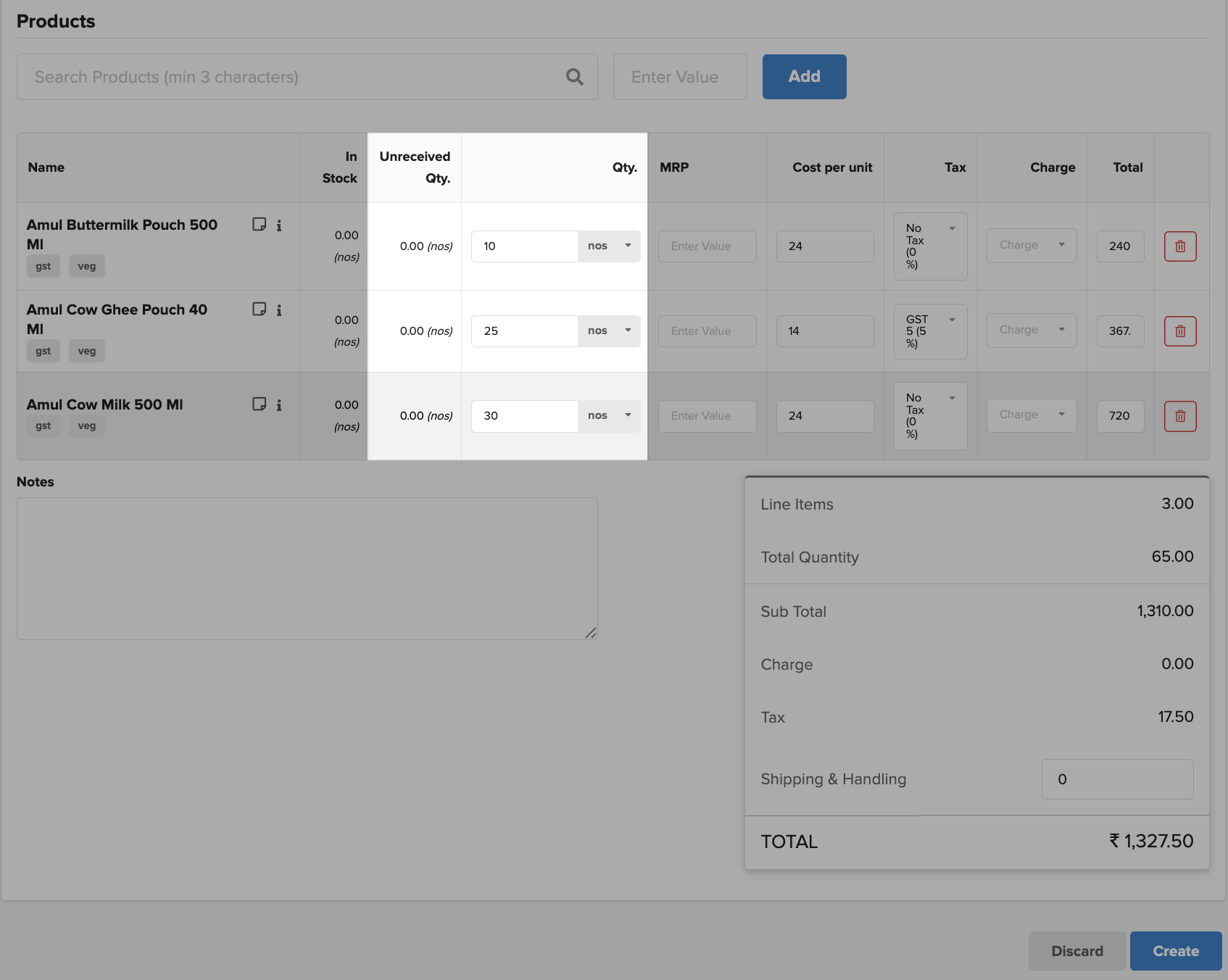
Note: Cost per unit, Tax, and Charge are editable only if the user has permission
6. Click on Create and then Receive to mark it as Received